TitleWithImage
A versatile title slide that combines text with a prominent image.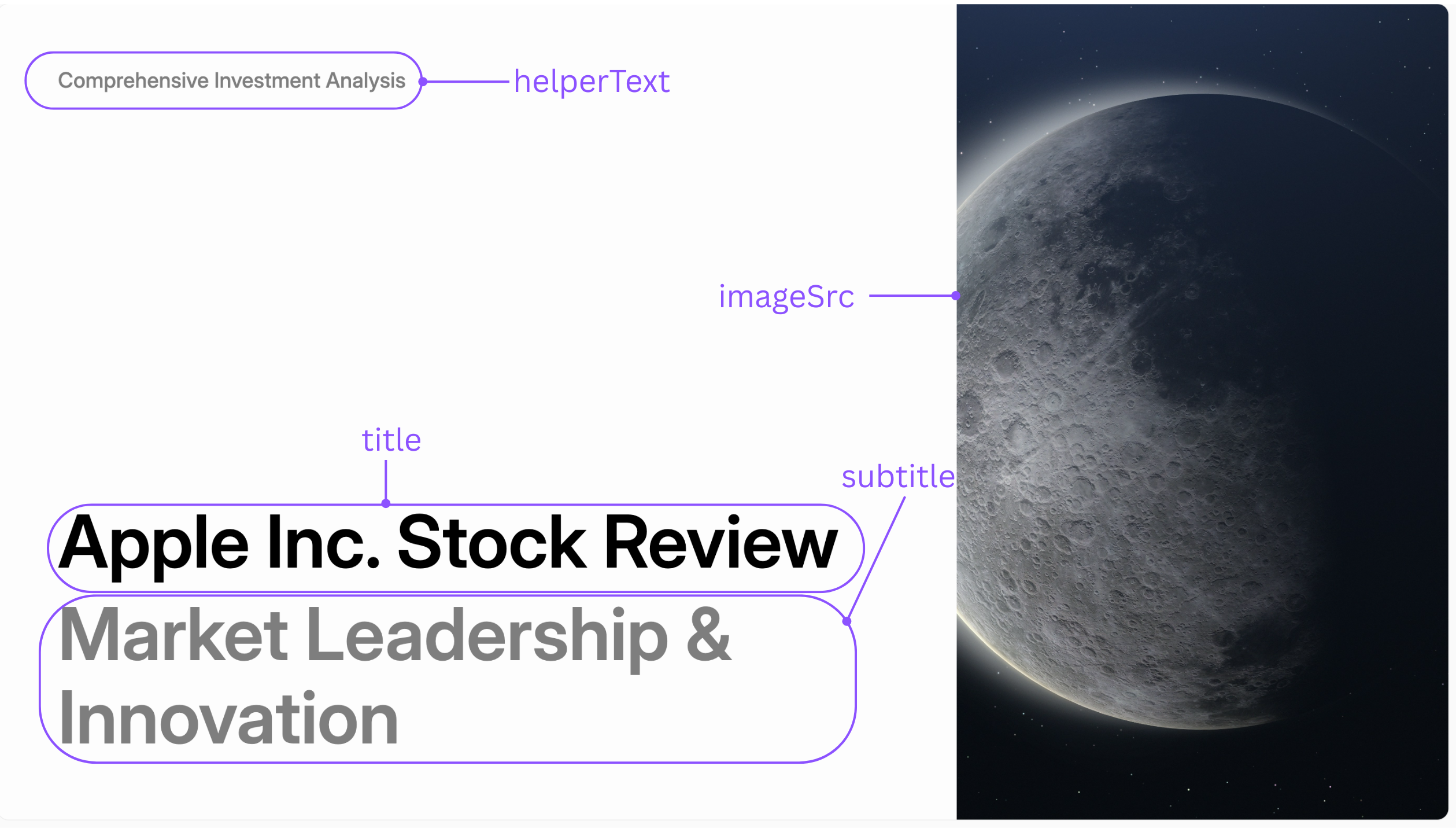
Parameters
Layouts
Thelayout parameter controls the position of the image relative to the text.
image_right | image_bottom |
|---|---|
 |  |
TitleOnly
A clean, text-focused slide for section headers or primary titles.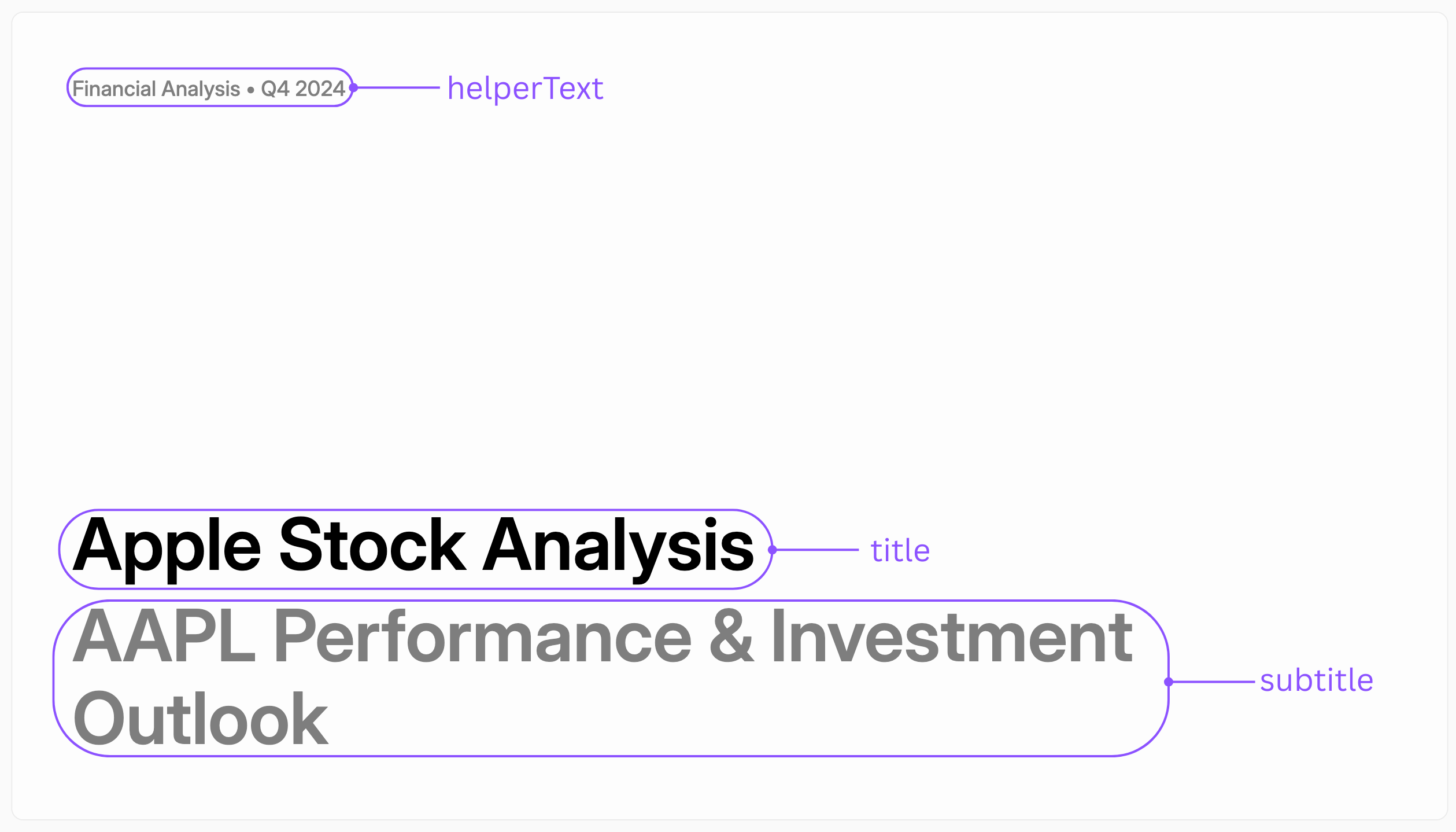
Parameters
Layouts
Thelayout parameter controls the alignment of the text.
title_center | title_top_left |
|---|---|
 |  |
KeyStatement
A slide designed to emphasize a single, powerful quote or statement.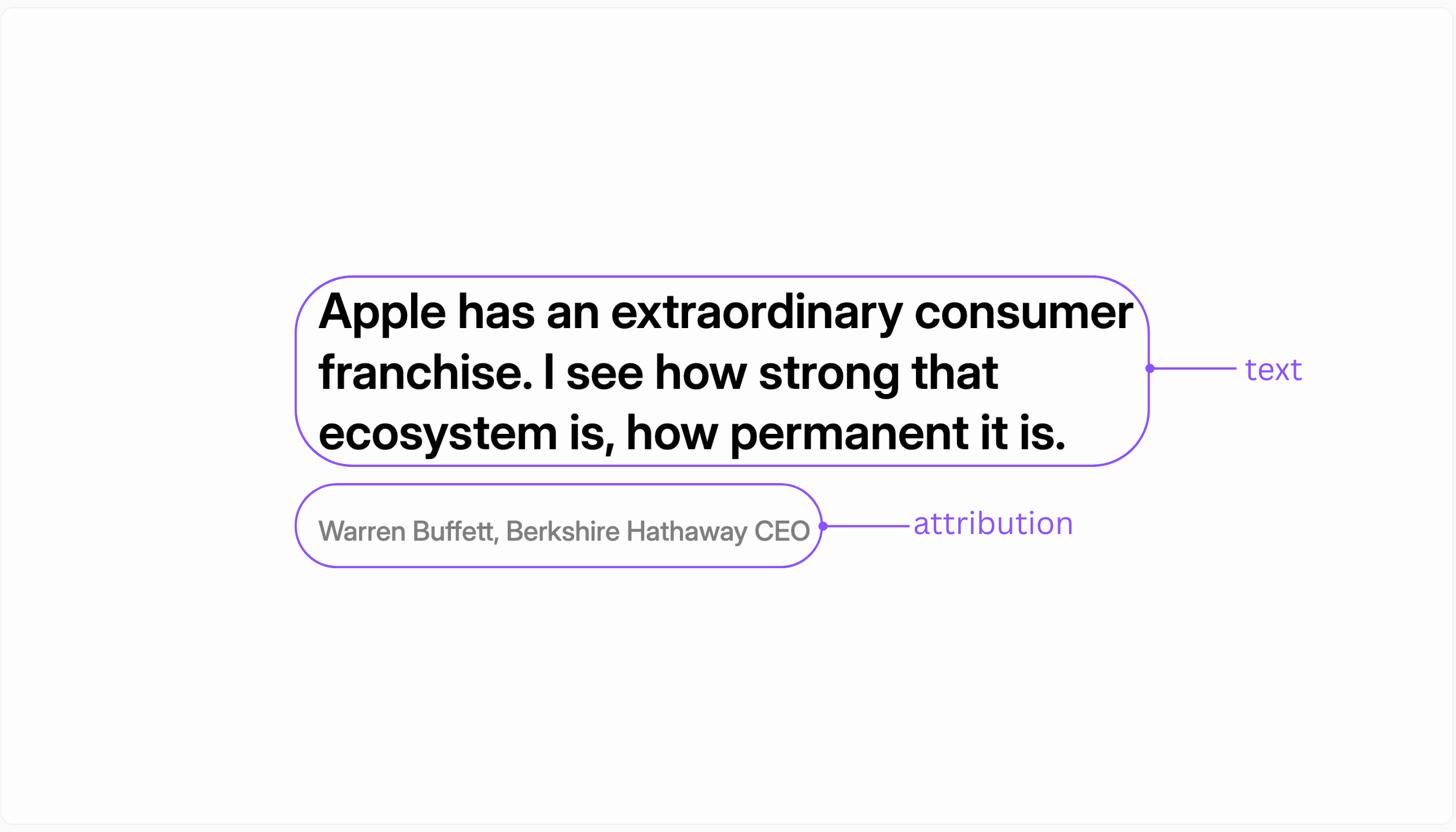
Parameters
BigFact
Use this slide to highlight a single, impactful data point or statistic.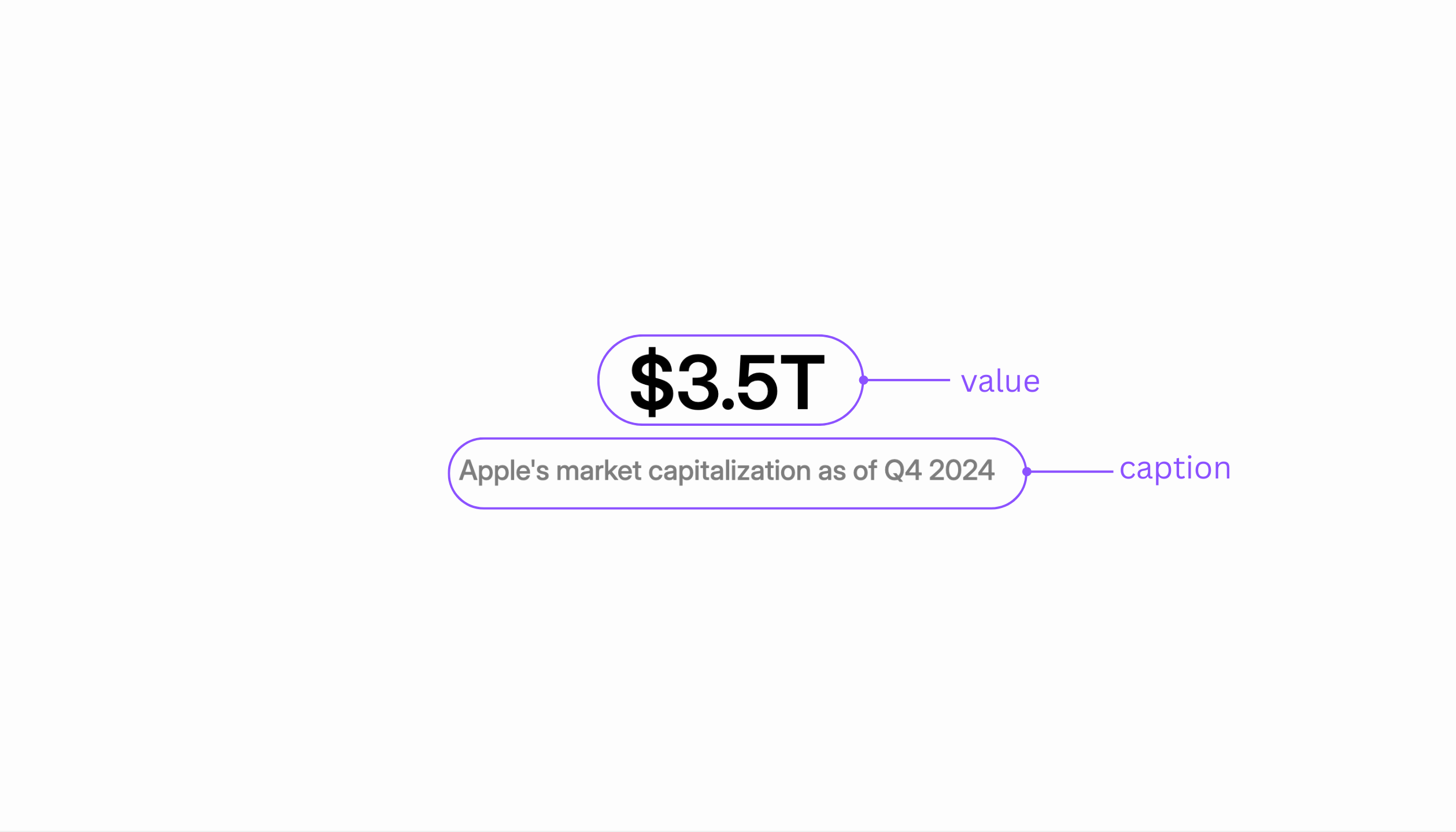
Parameters
TwoColumnText
A layout for presenting two blocks of text side-by-side, ideal for comparisons.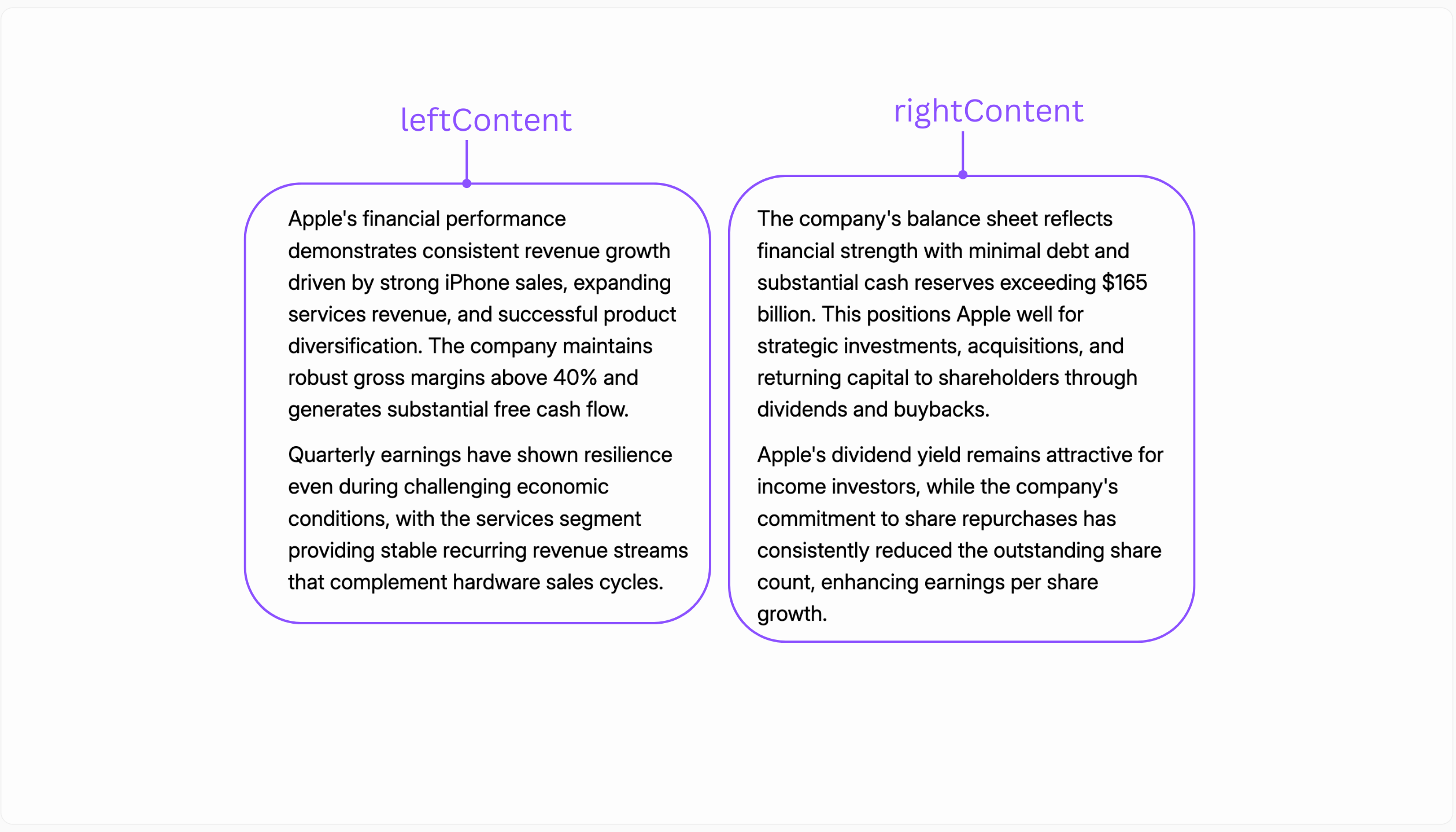
Parameters
TextWithImage
A standard content slide that combines a title, a body of text, and a supporting image.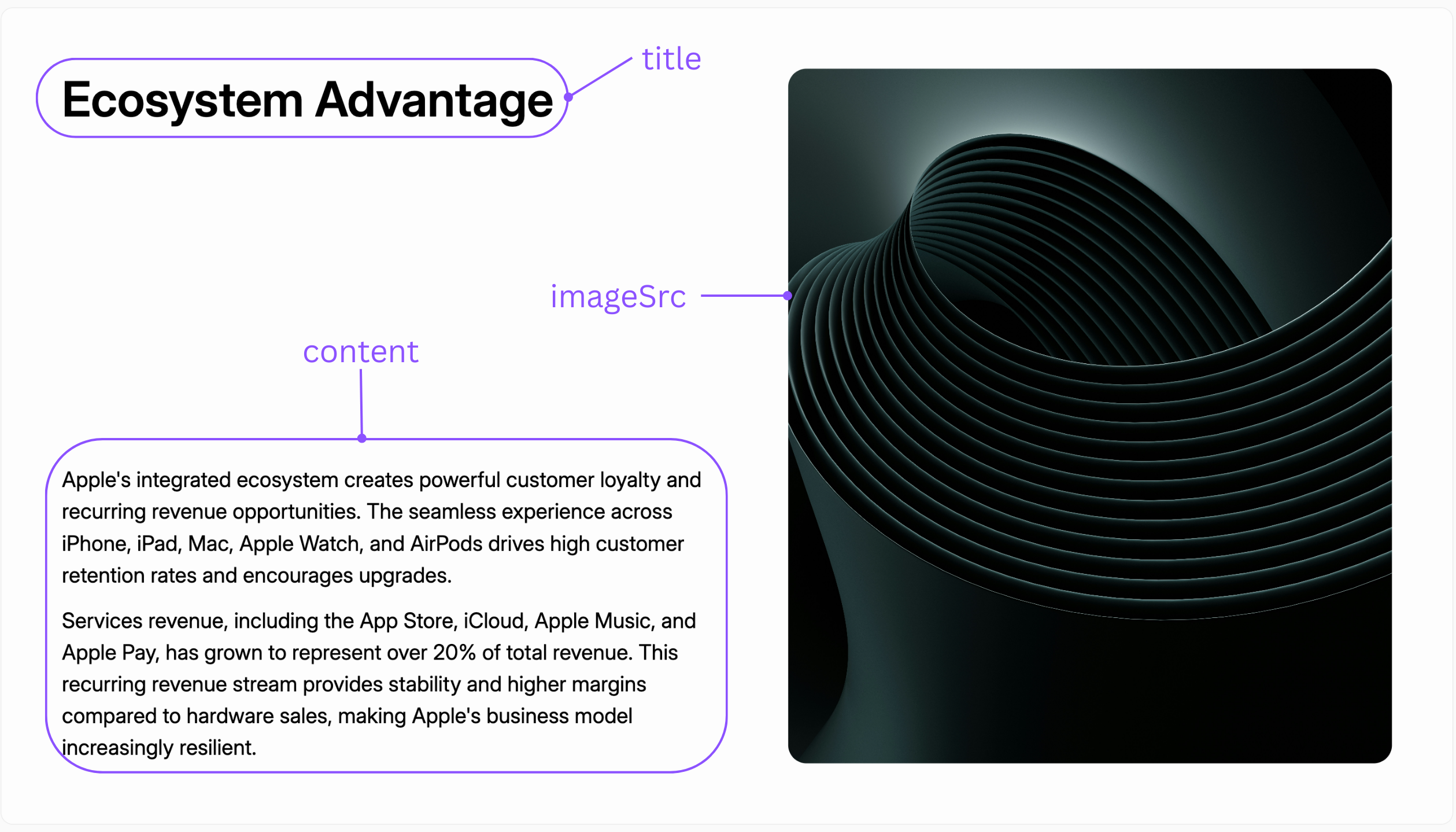
Parameters
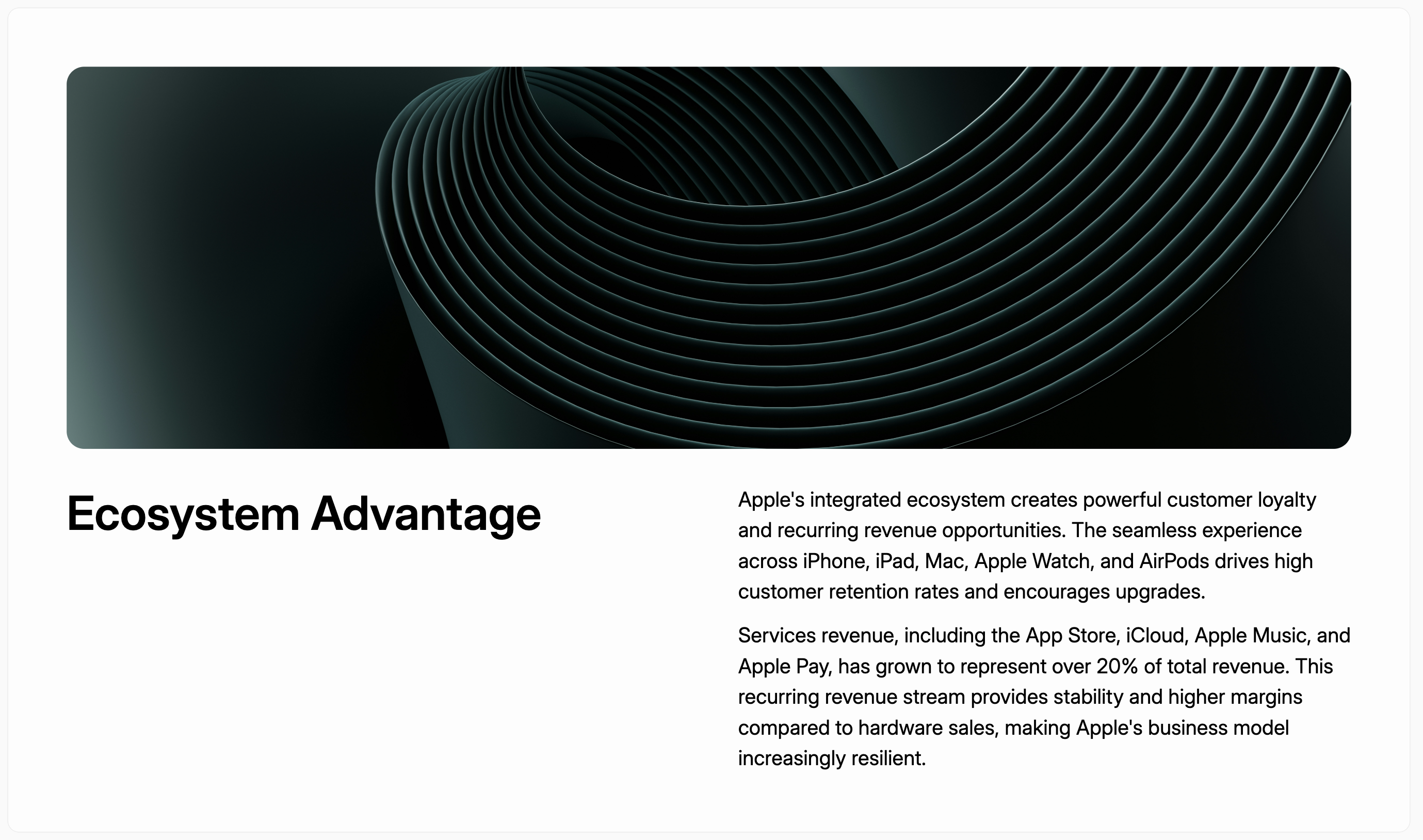
Layouts
Thelayout parameter controls the image position.
image_right | image_top | image_middle |
|---|---|---|
 |  | 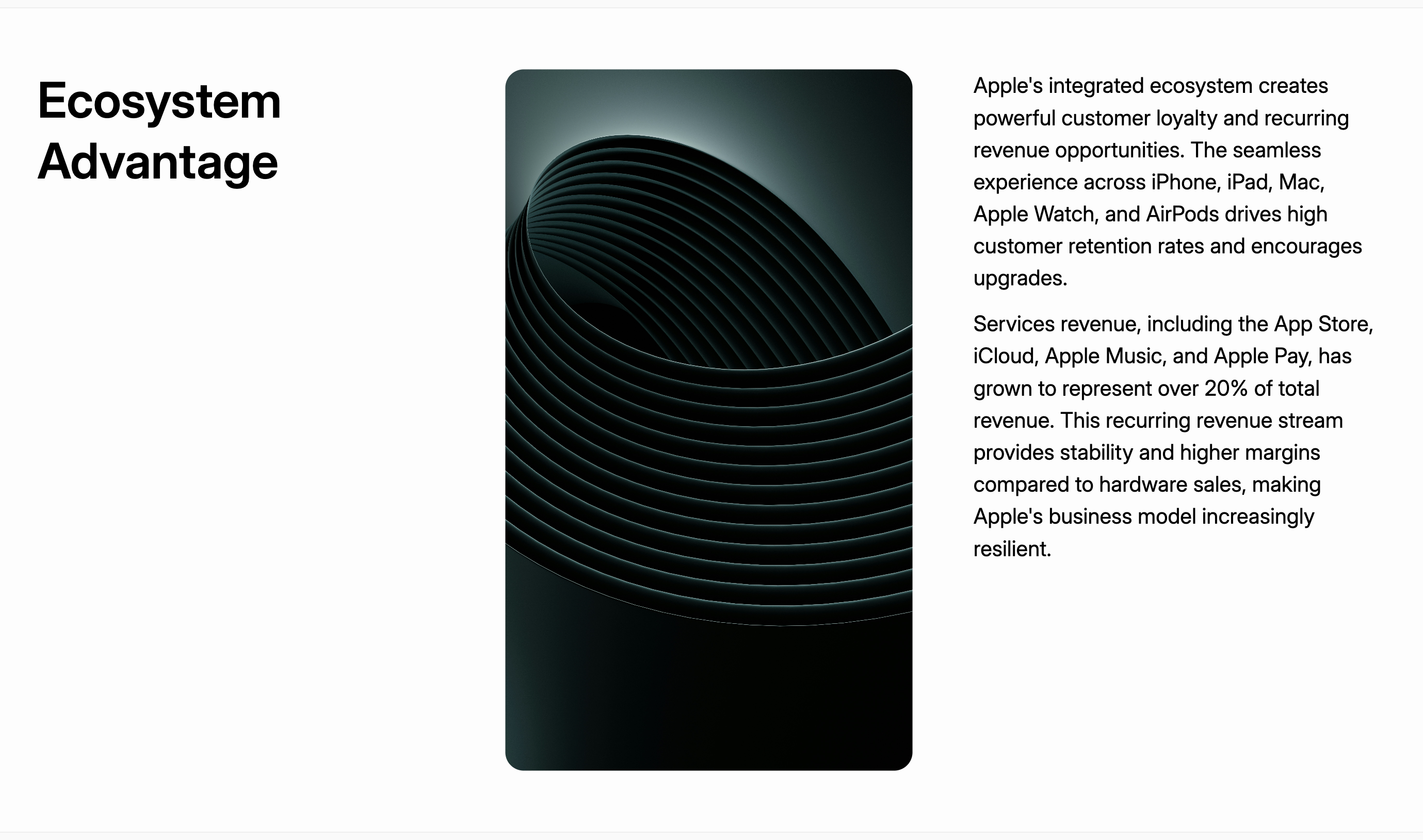 |
TextWithChartVertical
A content slide that displays a chart below the main text content.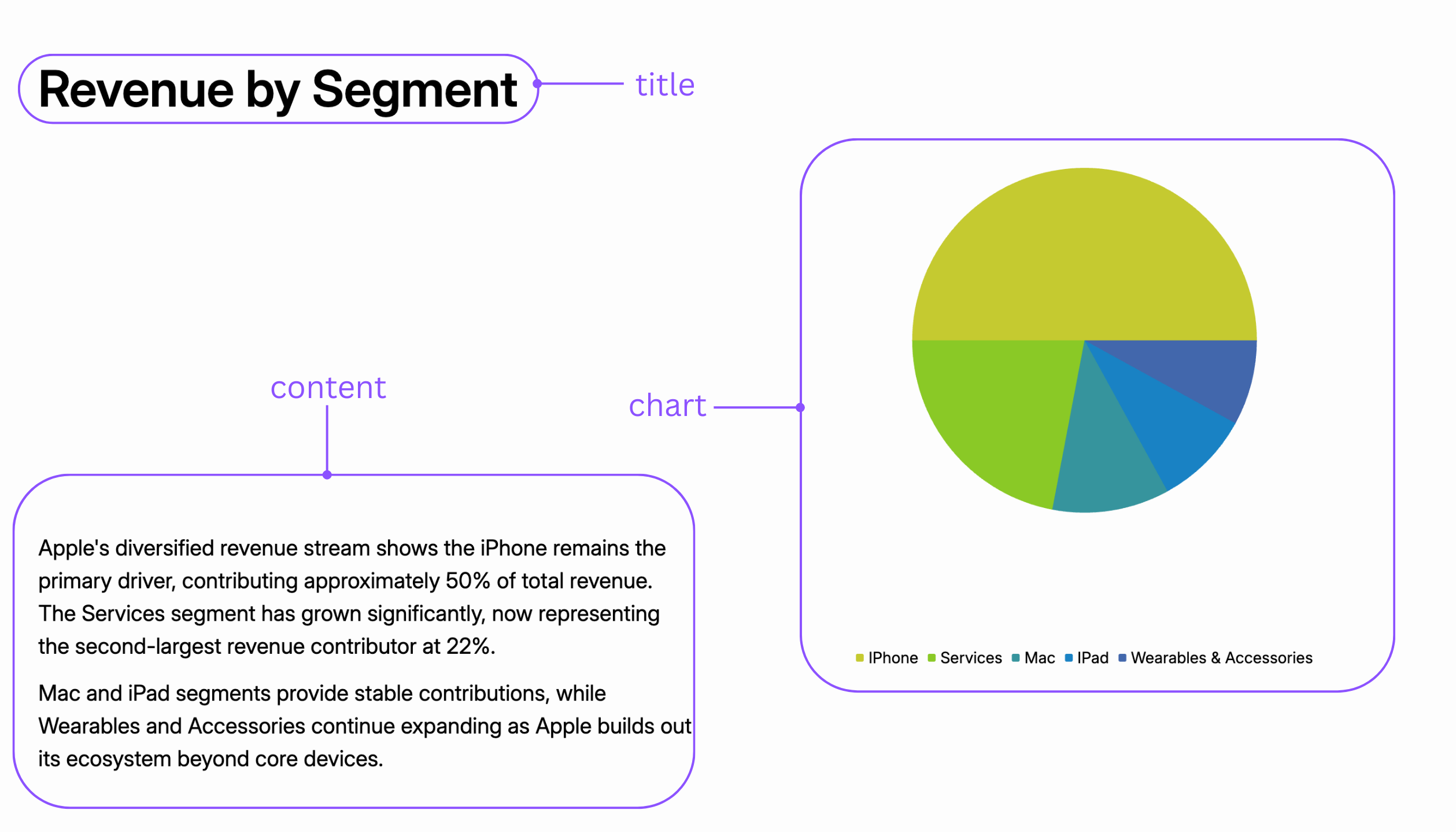
Parameters
TextWithChartHorizontal
A content slide that displays a chart to the side of the main text content.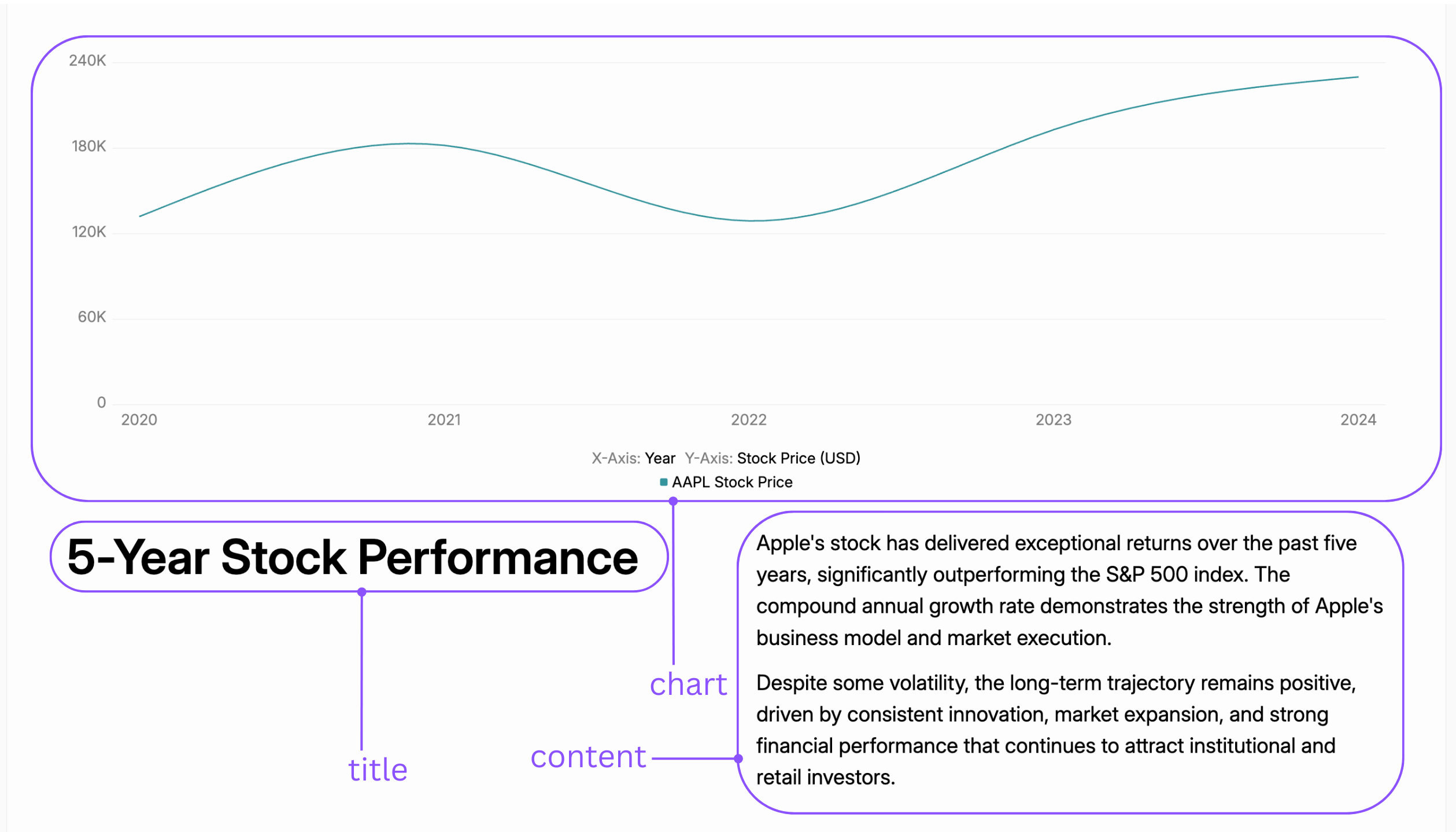
Parameters
TextWithTwoChartsHorizontal
A data-heavy slide for comparing two charts side-by-side, each with its own text.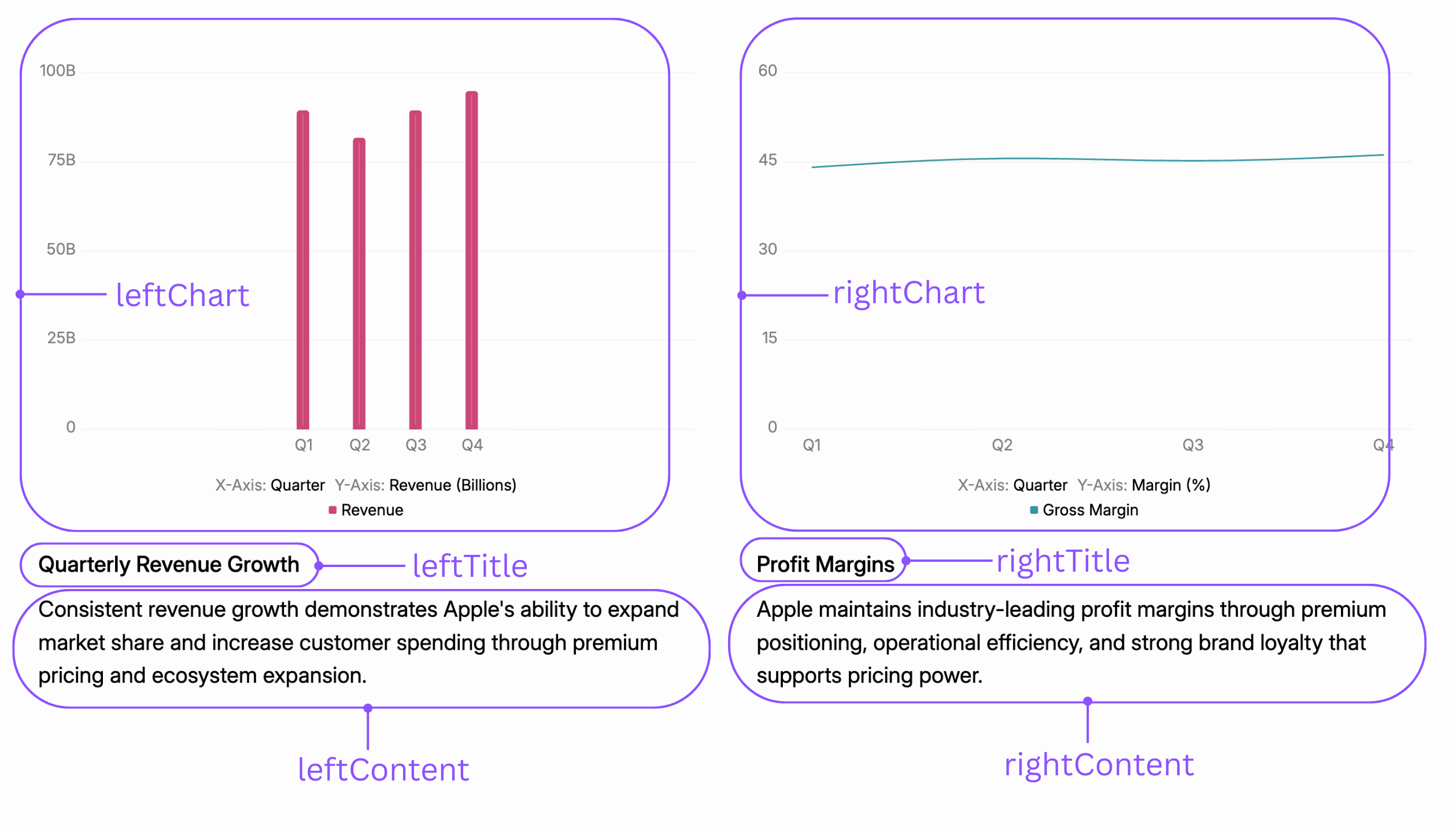
Parameters
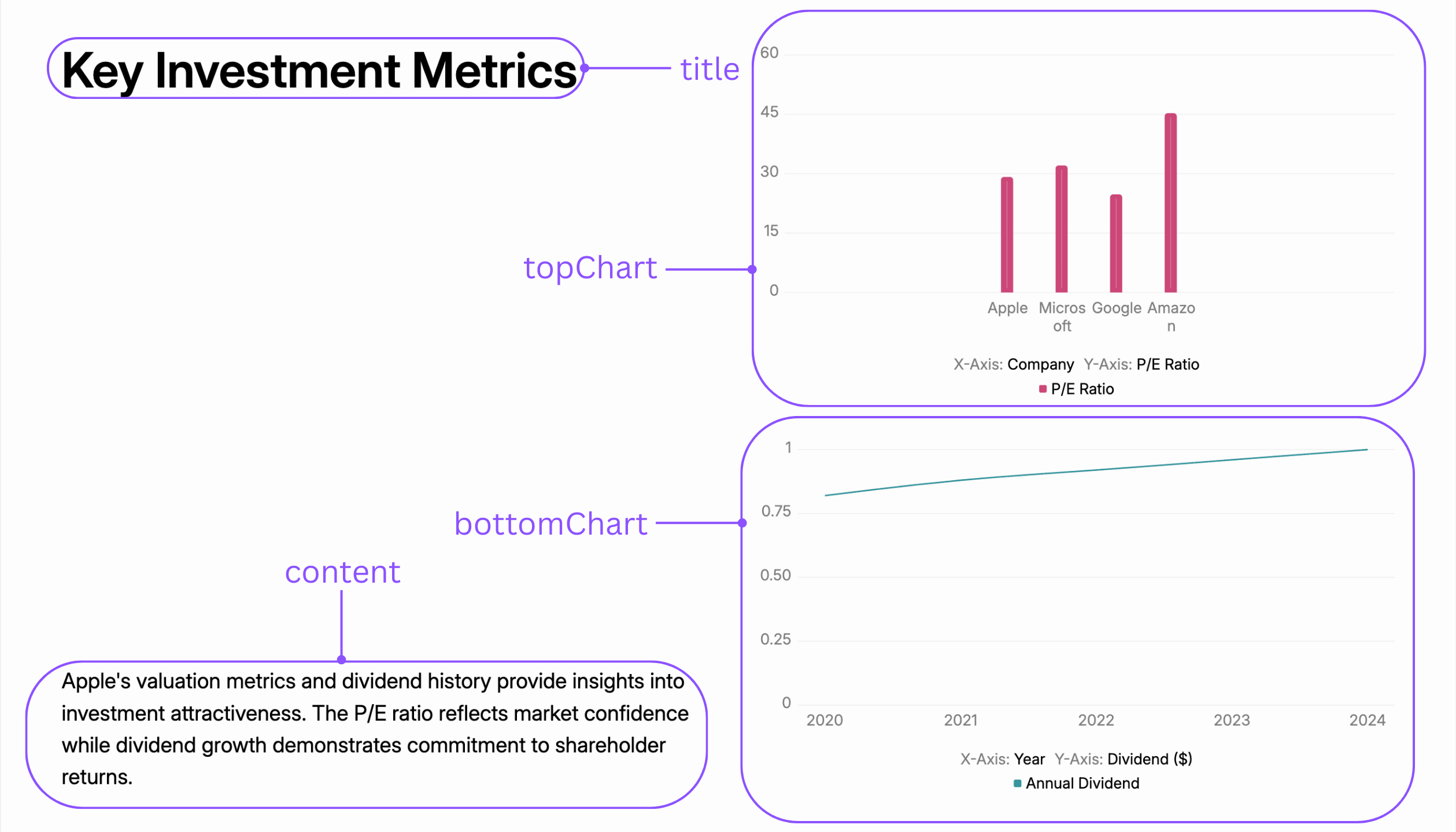
TextWithTwoChartsStacked
A data-heavy slide for presenting two charts vertically, with a single title and body of text.